Free live Q&A for talks and meetings
People ask and upvote from their phones, with no app. You choose what reaches the screen.
- Name your Q&A
- Get your join code
- The room asks and votes. You answer.
Drag to reorder, or press Space to pick up, the arrow keys to move and Space to drop.
Free. Phones join by QR code, with no app.
Polling 1 Million+ People Everyday

Free live Q&A, with no audience cap
In Poll Maker Presentations, approving questions, upvotes and downloads are all free. There are no ads, and no account or app for you or your audience. Paid plans remove the Made with Poll Maker badge.
- No audience cap
- Approving questions is free
- Upvotes are free
- Downloads are free
- No ads
- No account or app for anyone
Audience Q&A: the best question rises to the top
In a live Q&A, people vote questions up and the most wanted one tops your big screen.
- One vote per phone per question, and none on your own.
- The question you answer shows in full, up to 500 characters.
- Votes update live on every screen as people tap.
Approve questions before they reach the screen
Turn on approval and every question waits for you. A profanity filter holds common swear words either way.
- Moderate from your phone with the free presenter remote.
- Switch approval on mid-talk if the room gets lively.
- Each phone sends at most two questions every 20 seconds, which slows spam.
Anonymous questions, and what that really means
No name shows with a question on screen, on phones or in downloads, even when you ask for names.
| What is kept | Who sees it |
|---|---|
| The question's words | Everyone in the room, once it is shown |
| How many votes it has | Everyone in the room |
| Waiting or hidden | You, and the person who asked |
| Answered | Everyone in the room |
| A random id for each phone, so it votes once | No one. It only counts votes and is never shown or downloaded. |
Read more about How we keep poll data safe.
How to run a live Q&A session
Open questions early, keep the list moving, answer the top vote first, and close the loop so people feel heard.
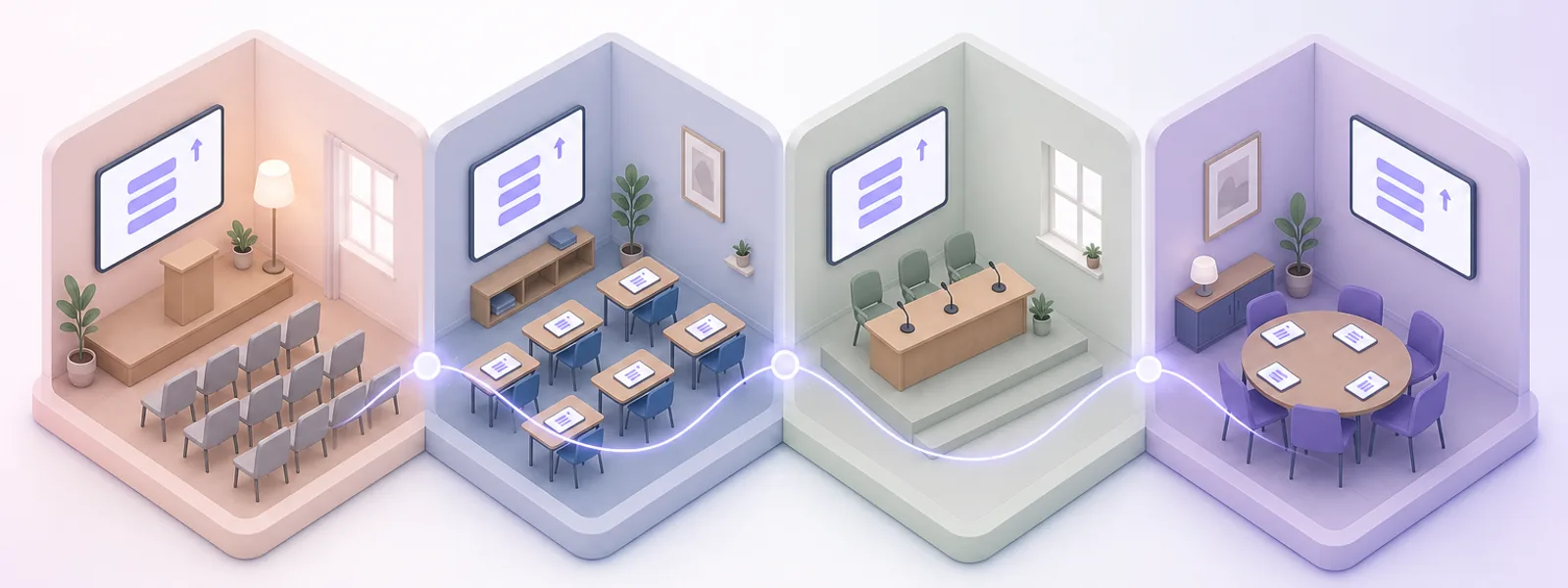
Warm the room up
Open with a one-word live word cloud. For town halls, start from these town hall feedback questions.
Open questions early
People can ask from the waiting room and all through your talk.
Seed the first question
Ask a colleague to post one, so the list is never empty.
Answer the top one first
Spotlight it, answer it, then mark it done.
Take the hard one calmly
Everyone can see its votes, so a straight answer lands best.
Close the loop
Download the questions and share answers to the ones you missed.
Q&A titles that get people asking
Pick one and it loads into the editor above.
Free Q&A tools compared
Of these five free Q&A platforms, only Poll Maker lets you approve and download questions free, with no audience cap.
| Feature | Poll Maker | Mentimeter | Slido | AhaSlides | Vevox |
|---|---|---|---|---|---|
| Approve questions first | Yes, free | No, Pro and up | No, Professional and up | No, Pro plan | No, Pro and up |
| Download the questions | Yes, CSV, Excel or PDF | No, Basic and up | No, paid plans | No, Essential and up | No, paid plans |
| People on the free plan | No cap | 50 a month, across all sessions | 100 devices, per event | 50, later joiners cannot join | 100 |
| Questions open all session | Yes, or only on the Q&A slide | Yes, or on a Q&A slide | Yes | No, only on the Q&A slide | Yes |
Free plans only. Checked on each vendor's own site on 16 October 2026.
Questions about this Q&A tool
Is this Q&A tool free?
Yes, with no audience cap. If your polls regularly run far beyond 50,000 people in a room, we will get in touch about a plan that fits, and nobody is ever cut off mid-poll. Approving questions, upvotes and downloads are all part of the free plan. Planning a very large event? Tell us about it first.
Do people need an app or an account to ask a question?
No. They scan the QR code or type the 6-digit code in their phone's browser. Nobody installs anything or signs up.
Is the Q&A really anonymous?
Yes. No name appears with a question on the big screen, on phones, in the report or in downloads. That holds even when you ask people for their names.
How are the questions ordered?
Most votes first. A tie goes to the question asked first. Questions you mark as done move below the open ones.
Can I remove a question after it is on screen?
Yes. Hide it from your phone or laptop and it leaves the big screen and every other phone. Only you and the person who asked still see it, marked "Not shown on screen" on their phone. Show brings it back.
Does the Q&A work on a shared poll link?
No. The Q&A runs in the live room while you present. People join it by QR code or the 6-digit code. A shared poll link skips it.
How do I set up a Q&A session?
Name your Q&A above, press Get my join code, then Launch poll. Show the QR code or the 6-digit code on the big screen. People open it in their phone's browser and start asking. No account is needed. Want a walkthrough? See our guides and help.
Can I keep the questions after the talk?
Yes. Your report lists every question with its votes and whether you answered it. Download it free as an Excel workbook or a PDF. The CSV has the shown questions and their votes.
Every question heard. The best one first.
Free, with no app and no account for anyone.
Poll Maker has counted hundreds of millions of poll votes, with more than 6 million in a single day.